Page 1 of 1
Posting pics
Posted: Wed Jun 28, 2023 10:07 pm
by 12th Man
How the heck do you post a picture? Can I not post a picture from my computer library.
Re: Posting pics
Posted: Wed Jun 28, 2023 11:35 pm
by Varmintmist
Yes you can. In the quick reply, you see at the bottom "full editor and preview" click that. Now under the chat box there are two tabs, options, and attachments. Click attachments then all files. It will open up your pc collection, select and double click on a pic. A new box opens click place inline. you will see UBB code attachment , then just submit at the bottom of the chat
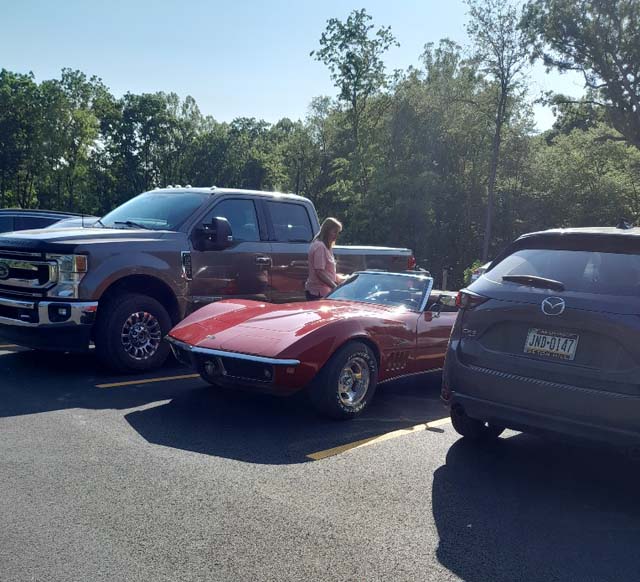
- logcabinanna2023.jpg (97.89 KiB) Viewed 738 times
Re: Posting pics
Posted: Wed Jun 28, 2023 11:37 pm
by Varmintmist
If you have a pic link, then you can just use UBB [ img] [ /img] like the real old days
Re: Posting pics
Posted: Thu Jun 29, 2023 12:22 am
by 12th Man
got it thanks
Re: Posting pics
Posted: Thu Jul 06, 2023 10:56 pm
by Zsarvashere
Re: Posting pics
Posted: Fri Jul 07, 2023 12:49 pm
by NuttyNed
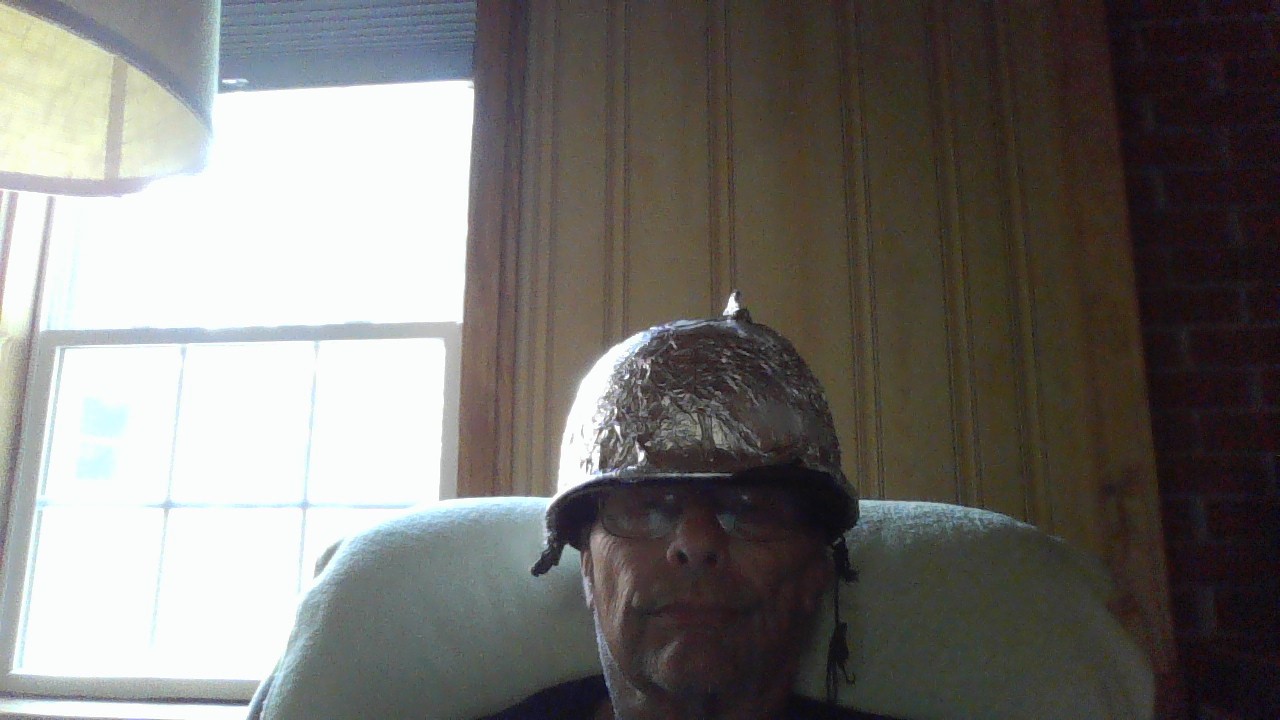
- WIN_20200609_09_11_42_Pro.jpg (164.64 KiB) Viewed 694 times
works but slightly different on my computer; so pic is appropriate!
